Retail and packaging
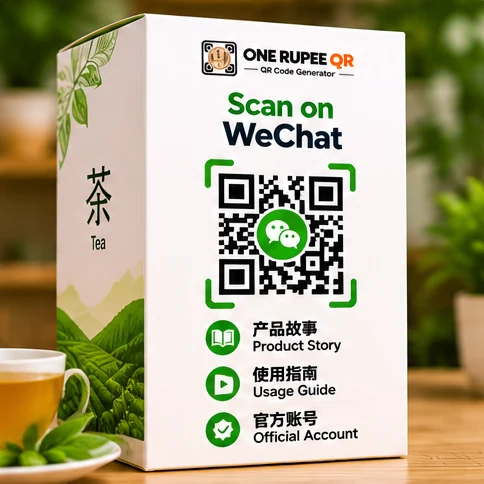
Link Chinese-speaking shoppers to product stories, usage guides and your Official Account.
Reach WeChat users with a QR code for your Official Account article or web page.
Put it on packaging, trade-show stands and supplier catalogues — and know exactly what each scan will open.
They do different jobs. Many businesses print both.
Use a normal web address. App-only links such as weixin:// do not work in this generator.
In mainland China, many people scan QR codes with WeChat itself. WeChat opens web links in its built-in browser and may show a notice, or limit access, for some external websites. Official Account articles and well-known business sites usually open normally — but always test.
Outside mainland China, people often scan with the phone camera, which opens the link in their usual browser. Some websites are slow or unavailable from inside China, so check that your page loads well from the market you are targeting.
Link Chinese-speaking shoppers to product stories, usage guides and your Official Account.
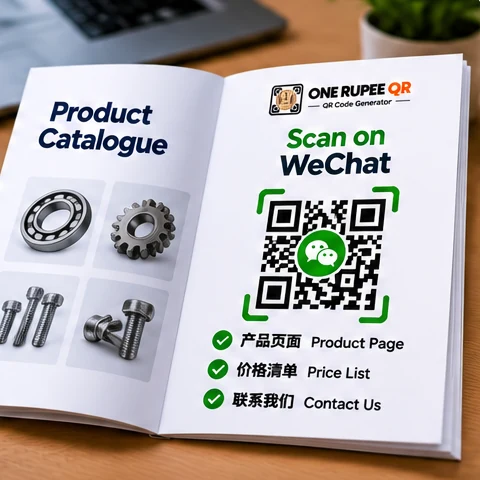
Put the code in catalogues and price lists so buyers reach your product pages and contact details.
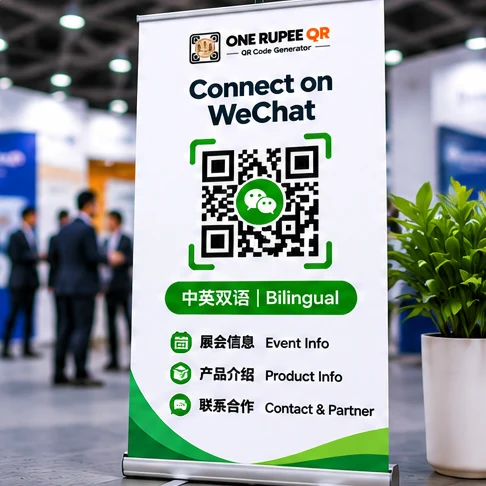
Stand banners and brochures send visitors to a bilingual page that keeps working after the show.
Copy an https:// link — such as an Official Account article or your website's contact page — then open the Social tab in the generator above, choose WeChat and paste it. To let people add your personal contact directly, use WeChat's own QR code from the app.
Yes, through a web page. Create a page on your website that shows your WeChat ID and native WeChat QR code, and make a One Rupee QR code that opens it. App-only links such as weixin:// are not supported.
No. WeChat's native code is made in the app and is designed for adding contacts inside WeChat. A One Rupee QR code is a standard QR code that opens a web link, with your own design and optional scan tracking.
Yes. Link to your Official Account articles, a product page or a contact page that explains how to reach you on WeChat. Print it on packaging, catalogues and stand banners.
Usually, yes — the code opens a normal web link in any phone's browser. Official Account articles are generally viewable abroad. Test from each market, because access to individual websites can differ between regions.
Check the link starts with https://, opens when scanned inside WeChat and with a phone camera, loads quickly in your target region, and that the printed code scans at its real size.
Yes. Add your logo and choose colours, dot pattern, corners and a frame. Keep strong contrast so both WeChat and phone cameras read it quickly.
Scan the code with WeChat on an iPhone and on an Android phone, then with each phone's camera app. If you can, ask a contact in your target market to scan it too.
Create a branded QR code for your Official Account or business page. Your first QR code is free.