
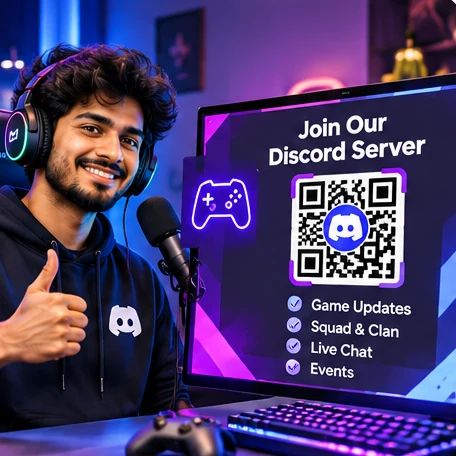
Gaming communities
Streamers and clans put the code on overlays, panels and merch so viewers can join between matches.
Bring people into your Discord server with one scan.
Turn your invite link into a QR code for stream overlays, gaming events, club posters and community flyers.
Discord controls how long an invite works and who can use it — set this before you create the code.
Streamers and clans put the code on overlays, panels and merch so viewers can join between matches.
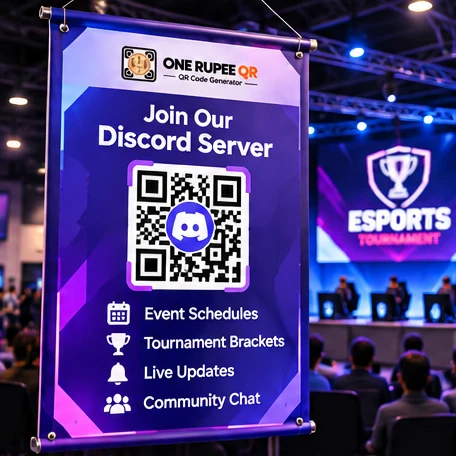
LAN parties, conventions and esports events share one server for brackets, schedules and updates.
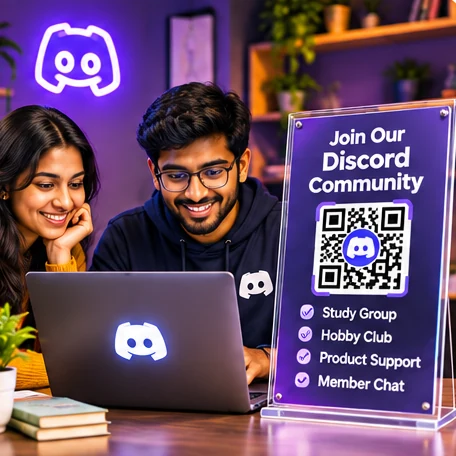
Study groups, hobby clubs and product communities welcome new members from flyers and packaging.
“Invite invalid” or “This invite may be expired”
The invite expired, reached its use limit or was revoked. Create a new invite set to never expire and no limit.
People join but see nothing
Check the permissions of the default role, and that the welcome and rules channels are visible to new members.
The code opens a different server
Check the invite code for typos. If you created a dynamic code, update its destination to the right invite.
Invites get revoked when they leak, servers get rebuilt and communities move. If your QR code is already printed on merch or banners, that can mean throwing them away.
Create the code as dynamic, with scan tracking on, and you can point it to a new invite from your dashboard — the printed code keeps working. You also see how many people scanned it at each event.
Create an invite in your server, copy the discord.gg link, then open the Social tab in the generator above, choose Discord and paste it. Test the preview with your phone, then save and download the PNG.
Yes — through an invite link to that server. Scanning the code opens the invite, and people can join from there. A server cannot be opened without an invite unless it has a public vanity link.
By default, yes — after 7 days. When you create the invite you can change it to never expire and remove the use limit. Expiry is controlled by Discord, not by One Rupee QR.
The invite opens in the browser. On a computer people can join through Discord in the browser; on a phone, Discord usually asks them to open or install the app and log in.
Yes. Use an invite that never expires and has no use limit, download the PNG and add it to posters, badges or screens. Test a printed sample at its real size.
In your server, choose Invite People and copy the link. Use the invite settings to set the expiry to Never and the maximum uses to No limit. You need permission to create invites.
The link stops working, so a static QR code with it fails. A dynamic code, created with scan tracking on, can be pointed to a new invite in your dashboard.
Scan the code with a phone that is not a member of the server, and one without Discord installed. Check the invite opens the right server and has not expired.
Create a Discord invite QR code for streams, events and flyers. Your first QR code is free.