
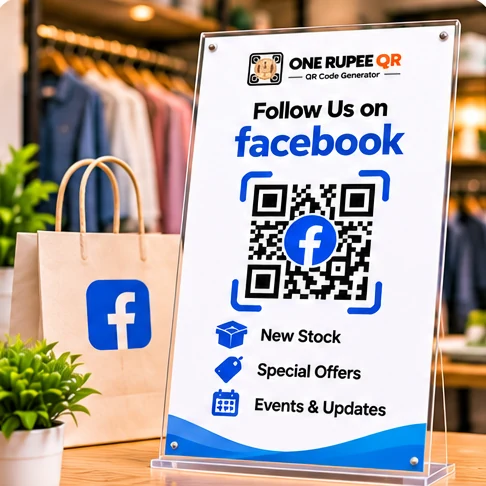
Shops and boutiques
A code at the till or in the window invites customers to follow for new stock, offers and events.
Bring people from your shop window, counter or event stand to your Facebook page in one scan.
Paste your page link, add your logo and print a code that turns walk-in customers into followers.
Both work in a QR code — choose the one that matches who you want people to meet.
You can also use the link to a public Facebook group or event — any Facebook link that opens in a browser works.
A printed “Find us on Facebook” asks people to open the app, search, and pick the right page from several with similar names. Many give up before they find you. A QR code skips all of that: one scan opens your exact page, ready to follow.
It also keeps working when your page name is long, uses special characters or shares a name with another business nearby.
A code at the till or in the window invites customers to follow for new stock, offers and events.
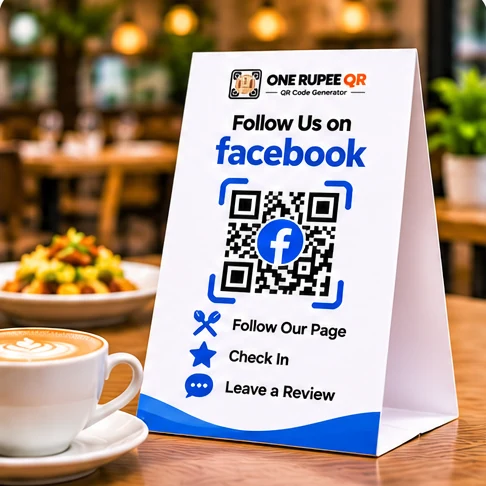
Put it on table cards and receipts so diners can follow, check in and leave a review.
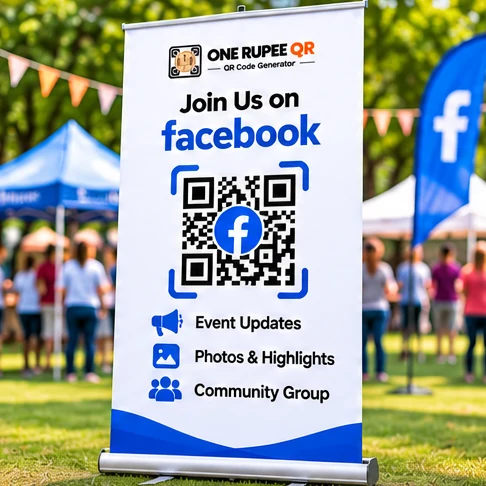
Posters and stalls can send people to the event or group page for updates and photos.
Put it where people pause and have a reason to follow.
People are asked to log in
Facebook may ask visitors who are not logged in to sign in before showing more. A public business Page shows the most without logging in.
The page is not found
Check the link for typos. If you changed your page username, update the link — or change the destination of a dynamic code.
A profile shows very little
Personal profiles follow your privacy settings. For business use, link to a Page instead.
Copy your page link, open the Social tab in the generator above, choose Facebook and paste the link or type @YourPageName. Add your logo and colours, test the preview with your phone, then save and download the PNG.
Yes. Paste your profile link instead of a page link. Keep in mind that what people see depends on your privacy settings, and some visitors may be asked to log in.
The QR code works the same way — it opens the link you choose. A Page is designed for businesses and is usually public, while a profile is personal and controlled by your privacy settings. For a shop or brand, use your Page.
Yes. Place the code where customers wait or pay, add a clear reason to follow such as offers or new stock, and keep it at eye level. With scan tracking on, you can see how many people scanned.
Yes. Without the app, the link opens Facebook in the phone's browser. Facebook may ask visitors who are not logged in to sign in to see more.
Open your page and use the share or more menu to copy its link, or copy the address from your browser's address bar. It usually looks like facebook.com/YourPageName.
Yes. Download the PNG, place it on your window or sign at eye level with a short call to action, and make it large enough to scan from where people stand. Test the printed sign with a couple of phones.
Scan the preview and a printed sample with an iPhone and an Android phone, with and without the Facebook app. Check that the correct page opens and that it shows what you expect without logging in.
Create a branded Facebook QR code for your shop, café or event. Your first QR code is free.