Creators and influencers
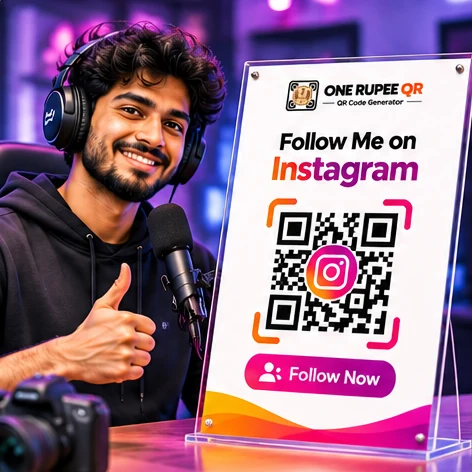
Put your code on merch, event badges and stream graphics so fans can follow you in one scan.
Turn your Instagram profile into a QR code people can scan from a box, a shop window or a business card.
Add your logo and brand colours so it looks like part of your design, not an afterthought.
Your QR code opens an Instagram link. Most people use their profile, so new customers can see your posts and tap Follow. You can also use the link to a specific post or reel when you want to show one piece of content.
When someone scans it, the link usually opens in the Instagram app if it is installed, or on Instagram in the browser if it is not.
In the Instagram app, open your profile, tap Share profile and choose Copy link. The exact menu can vary between app versions.
Open the Social tab in the generator above, select Instagram and paste your link or type @yourname.
Upload your logo, pick brand colours that still contrast with the background, and choose a frame.
Scan the preview with your phone, check your profile opens, then save and download the PNG.
Put your code on merch, event badges and stream graphics so fans can follow you in one scan.
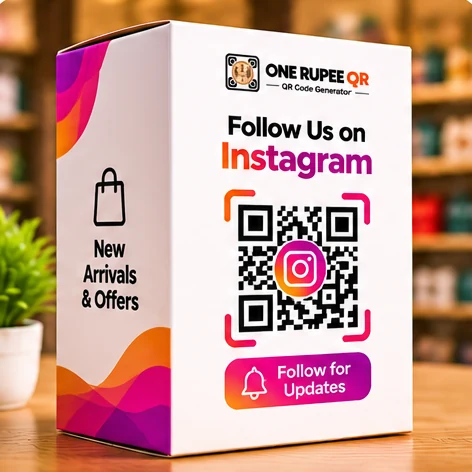
A code on the box or bag invites customers to follow for new arrivals and offers.
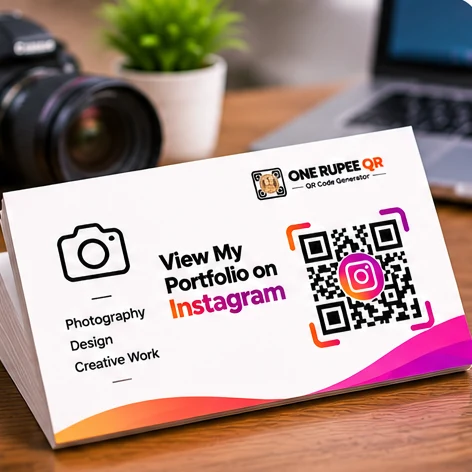
Photographers, designers and makers can show their latest work instead of describing it.
Instagram can show a QR code for your profile too. Here is the difference.
People see “This account is private”
Visitors can find and follow a private account, but they only see your posts after you approve them. For a shop or brand, a public or professional account works best.
The wrong account opens
Check the username for typos and old usernames. If you changed your handle, update the link — or the destination of a dynamic code.
A post or reel link says it is unavailable
The post may be deleted, archived or from a private account. Use your profile link for long-lasting printed materials.
Copy your profile link, open the Social tab in the generator above, choose Instagram and paste the link or type @yourname. Add your design, test the preview with your phone, then save and download the PNG.
Yes. Copy the link to the post or reel and paste it instead of your profile link. Scanning the code opens that piece of content.
Instagram's built-in code is free and opens your profile in Instagram's own style. A One Rupee QR code can carry your logo and brand colours, can point to any Instagram link, and with scan tracking on can be edited later and counts scans.
Yes. Download the PNG and add it to your packaging artwork. Keep strong contrast and a clear margin, add a short call to action, and test a printed sample — curved or glossy surfaces can make scanning harder.
Usually, yes. If the Instagram app is installed, the link normally opens in the app; if not, it opens Instagram in the phone's browser.
In the Instagram app, go to your profile, tap Share profile and choose Copy link. You can also type the address yourself: instagram.com followed by your username.
Yes. Upload your logo and choose your colours, dot pattern, corner style and frame. Keep the code darker than its background so it stays easy to scan.
Scan the preview and a printed sample with an iPhone and an Android phone, both with and without the Instagram app signed in. Check the right profile or post opens before you print in bulk.
Create a branded Instagram QR code for your packaging, shop or business card. Your first QR code is free.