
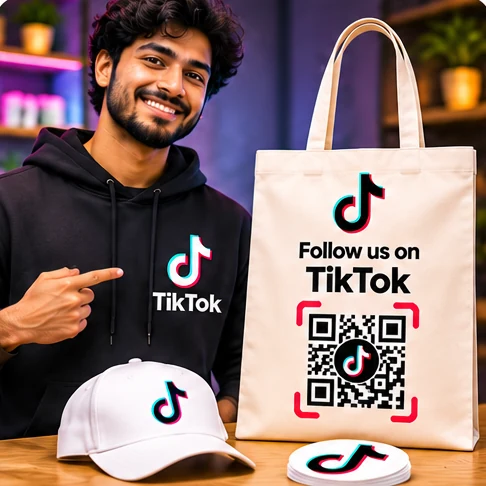
Merch and apparel
Hoodies, tote bags and stickers become walking invitations to follow.
Turn real-world moments into TikTok followers with one scan.
Link your profile or a specific video, add your own style, and put the code on merch, packaging and event screens.
Any TikTok link that opens in a browser works.
On a hoodie, a box, a sticker or an event screen.
With the app installed, it usually opens in TikTok; otherwise in the browser.
Your profile or video is right there — one more tap to follow.
Hoodies, tote bags and stickers become walking invitations to follow.
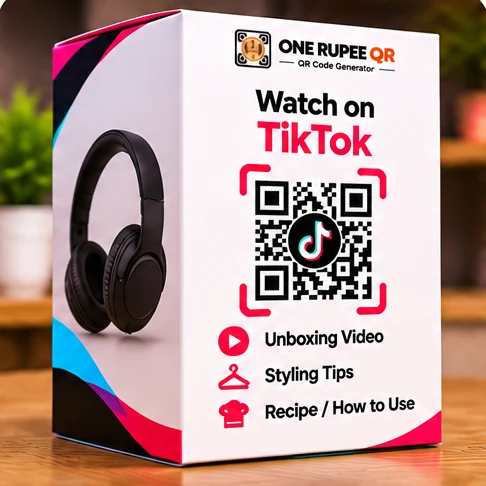
Link to an unboxing, styling or recipe video for the product in hand.
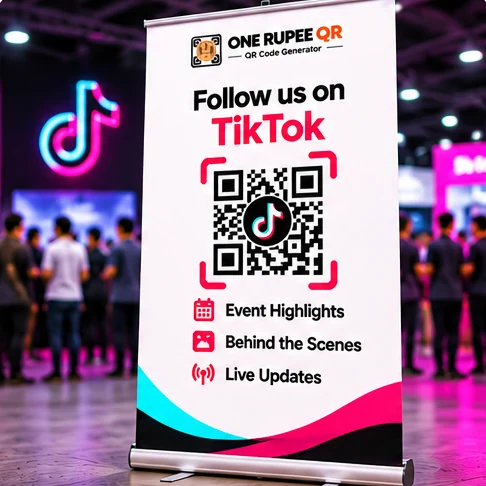
Screens, banners and table signs turn live audiences into followers.
The video says it is unavailable
It may be private, deleted or restricted. For long-lasting print, link to your profile, which always shows your latest videos.
The wrong account opens
Check the @username for typos. If you change your username, update the link — or the destination of a dynamic code.
The code will not scan from merch
Make it larger, increase contrast and keep it off seams, folds and shiny printing. Test the real product, not just the file.
Copy your profile link, open the Social tab in the generator above, choose TikTok and paste the link — or type @yourname. Add your design, test the preview with your phone, then save and download the PNG.
Yes. Copy the link to the video from TikTok's share option and paste it instead of your profile link. Scanning the code opens that video.
No. TikTok's in-app code is designed to open your profile from inside TikTok. A One Rupee QR code is a standard web link any phone camera can read, can point to your profile or a video, and carries your own logo and colours.
Yes. Download the PNG and add it to your artwork. Keep strong contrast, at least about 2.5 × 2.5 cm on merch, and avoid seams or folds. Test a printed sample before a full run.
Yes. Without the app, the link opens TikTok in the phone's browser. TikTok may suggest installing the app or logging in to see more.
Open your profile in TikTok, tap the share option and choose Copy link. You can also write it yourself: tiktok.com/@ followed by your username.
Yes. Upload your logo and choose colours, dot pattern, corner shape and frame. Keep the code darker than its background so phones can read it quickly.
Scan the code with an iPhone and an Android phone, with and without TikTok installed. Check the right profile or video opens, then test a printed sample at its real size.
Create a branded TikTok QR code for your merch, packaging or next event. Your first QR code is free.