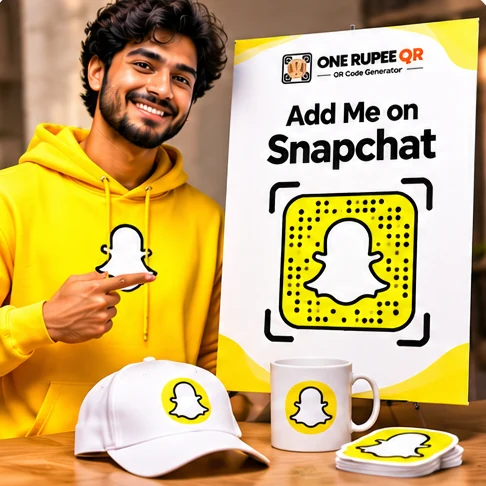
Creator posters and merch
Put your code on posters, stickers and merch so fans can add you instantly.
Help fans and customers add you on Snapchat with one scan.
Create a QR code for your profile link that any phone camera can read — then style it to match your brand and put it everywhere your audience is.
Both lead to your profile, but they are read differently.
Your link is snapchat.com/add/ followed by your username. In Snapchat you can also share your profile and copy the link.
Open the Social tab in the generator above, choose Snapchat and paste the link — or type @yourname.
Add your logo and colours, keeping the code darker than the background.
Scan the preview with your phone, check your profile opens, then save and download the PNG.
Put your code on posters, stickers and merch so fans can add you instantly.
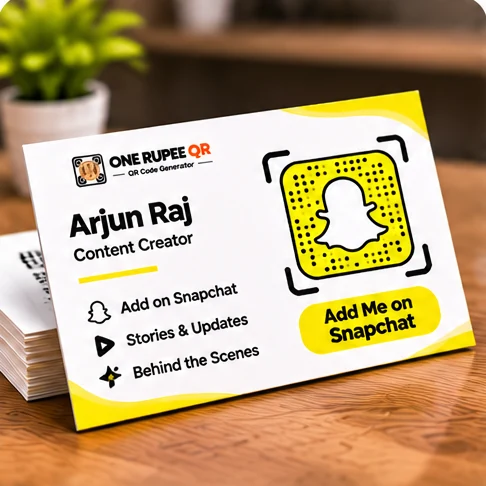
Brands and freelancers who use Snapchat for stories can share it like a phone number.
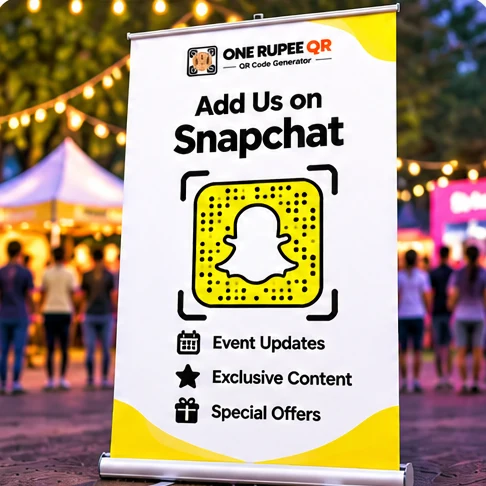
Screens and stall signs let visitors add your account while they are having fun.
People can't add you
Check who can contact you in Snapchat's privacy settings. If only friends can contact you, new people may not be able to reach you.
The wrong account opens
Check your username for typos. If you change it, update the link — or the destination of a dynamic code.
Visitors see a web page, not the app
Without Snapchat installed, the link opens a Snapchat web page. To add you, people usually need the app.
Give people a reason to scan: behind-the-scenes stories, exclusive discount codes or event updates. A short line next to the code — “Add us for daily offers” — works better than the code alone.
Use a dynamic code, with scan tracking on, for each poster or event. You will see which placement brings the most scans and can move the link if your username ever changes.
Keep expectations realistic: a profile QR code opens your profile, nothing more. It does not add people automatically, unlock filters or Lenses, or send Snaps — the person still decides whether to add you.
Open the Social tab in the generator above, choose Snapchat and paste snapchat.com/add/yourusername — or type @yourusername. Add your design, test the preview with your phone, then save and download the PNG.
No. A Snapcode is Snapchat's own yellow code, made to be scanned with the Snapchat camera. A One Rupee QR code is a standard QR code that opens your profile link, so any phone camera can read it, and it can carry your own logo and colours.
Yes. Download the PNG and place it with a short call to action. Keep it at least about 2.5 × 2.5 cm on cards, larger on posters, and test a printed sample.
Yes. Both read the code with the camera. If Snapchat is installed, the profile link usually opens in the app; if not, it opens a Snapchat web page.
They may see your username and profile on Snapchat's web page, but to add you or see more they usually need to open the Snapchat app and log in.
Your profile link is snapchat.com/add/ followed by your username. You can also share your profile from inside Snapchat and copy the link it gives you.
Yes. Upload your logo and choose colours, dot pattern, corner style and frame. Keep the code darker than its background so it scans reliably.
Scan the code with an iPhone and an Android phone, with and without Snapchat installed. Check your profile opens and that new people are allowed to add you, then test a printed sample.
Create a Snapchat QR code any camera can read. Your first QR code is free.